 Framoon
Lokale KI schaut hin. Claude entscheidet.
Local AI does the looking. Claude does the deciding.
Framoon ist eine eigene App für deinen Mac — kein Claude-Plugin, kein Browser-Tool. Lokale KI-Modelle laufen auf deiner eigenen Rechenleistung und analysieren dein Rohmaterial. Claude ist das Gehirn dahinter und trifft die redaktionellen Entscheidungen — über dein bestehendes Claude-Code-Abo, ohne zusätzliche Kosten.
Framoon is its own app for your Mac — not a Claude plugin, not a browser tool. Local AI models run on your own hardware and analyze your footage. Claude is the brain behind it, making the editorial calls — through your existing Claude Code subscription, at no extra cost.
Zwei Minuten, die alles zeigen
Two minutes that show everything
Anleitung — und zugleich das Ergebnis
The guide — and the result at once
Fang hier an: das Video erklärt in gut zwei Minuten, wie Framoon arbeitet — und ist dabei selbst von Framoon geschnitten. Aus drei einzelnen Clips zusammengesetzt, jede Naht gegen das Original geprüft; Untertitel, Hook-Karte, die Schlüssel-Tabelle, die Preis-Einblendung und das Musikbett hat das Werkzeug selbst gesetzt. Was du siehst, ist genau die Fassung, die es gerade zu testen gibt.
Start here: in just over two minutes the video explains how Framoon works — and was itself cut by Framoon. Assembled from three separate clips, every seam checked against the original; captions, hook card, the key table, the price overlay and the music bed were all set by the tool. What you see is exactly the build on offer right now.
Musik: „Blippy Trance“ von Kevin MacLeod — CC BY 4.0.
Warum Framoon
Why Framoon
Privacy-first
Privacy-first
Rohmaterial verlässt deinen Mac nie — nur Claude Code selbst ist die eine Cloud-Verbindung, die für die Entscheidungen nötig ist. Keine Videodatei wird jemals hochgeladen.
Your footage never leaves your Mac — Claude Code itself is the one cloud connection needed for the decisions. No video file is ever uploaded.
Kein zusätzliches Abo
No extra subscription
Du nutzt dein Claude-Code-Abo, das du wahrscheinlich ohnehin schon hast — kein separates KI-Abo, keine API-Kosten, kein Preis pro Video.
Runs on the Claude Code subscription you likely already have — no separate AI plan, no API bills, no per-video price.
Eigene App
A real app
Projektliste, Rohmaterial, Output, Feedback direkt am Ergebnis — kein Terminal nötig.
Project list, raw footage, output, feedback right on the result — no terminal required.
So funktioniert's — kurz
How it works — the short version
-
Zuhören
Listen
Whisper transkribiert dein Material Wort für Wort, mit Zeitstempel pro Wort. Lokal.
Whisper transcribes your footage word by word, with a timestamp on every word. Locally.
-
Hinsehen
Look
Frame für Frame: Gesichter, Blickrichtung, Bildinhalt, wer gerade spricht. Lokal.
Frame by frame: faces, gaze, image content, who is speaking. Locally.
-
Verstehen
Understand
Erst jetzt entscheidet Claude — mit Text und Bild vor sich: Worum geht es? Was gehört raus?
Only now does Claude decide — with text and image in hand: what is this about? What has to go?
-
Schneiden
Cut
Momente wählen, Nähte setzen, Untertitel, Hook, Endcard, Musik. Lokal.
Pick moments, place seams, captions, hook, end card, music. Locally.
-
Prüfen — und notfalls von vorn
Verify — and redo if needed
Der fertige Export wird noch einmal angesehen, als wäre er fremdes Material: neu transkribiert, Frame für Frame kontrolliert, gegen den Plan gehalten. Fällt ein Tor durch, geht es zurück in den Schnitt.
The finished export is watched again as if it were someone else's footage: re-transcribed, checked frame by frame, held against the plan. If a gate fails, it goes back to the edit.
Weitere Beispiele
More examples
Vorher: 4:38 Min. Rohmaterial mit Versprechern und Pausen. Nachher: das fertige Reel — komplett von Framoon geschnitten.
Before: 4:38 min of raw footage, flubs and pauses included. After: the finished reel — cut entirely by Framoon.
Vorher (Rohmaterial, Ausschnitt)
Before (raw footage, excerpt)
Nachher (fertiges Reel)
After (finished reel)
Zweites Beispiel (Podcast-Reel)
Second example (podcast reel)
Aus einem 40-minütigen Podcast — Framoon hat den Moment und den Kontext selbst gefunden und analysiert.
Cut from a 40-minute podcast — Framoon found and analyzed the moment and its context on its own.
Ganzes Video auf YouTube
Full video on YouTube
Komplett mit Framoon geschnitten (ältere Version — mittlerweile deutlich besser).
Cut entirely with Framoon (older version — noticeably better by now).
Zwei Wege, es zu benutzen
Two ways to use it
Nur die App
Just the app
Projekt anlegen, Material reinziehen, Start drücken. Framoon startet Claude Code im Hintergrund selbst — du musst Claude Code nicht öffnen und nichts eintippen. Es muss nur einmal installiert und angemeldet sein.
Create a project, drop in footage, hit start. Framoon launches Claude Code in the background for you — you never open Claude Code or type a command. It just has to be installed and signed in once.
Direkt über Claude Code
Straight through Claude Code
Wer ohnehin im Terminal arbeitet, fährt denselben Motor direkt: claude --plugin-dir …/Framoon.app/Contents/Resources/plugin. Dieselben Fähigkeiten, dasselbe Ergebnis. Für alle anderen ist die App gedacht.
If you live in a terminal, drive the same engine directly: claude --plugin-dir …/Framoon.app/Contents/Resources/plugin. Same skills, same result. Everyone else should use the app.
Voraussetzungen
Requirements
- Mac mit Apple Silicon (M1 oder neuer), macOS 14 oder neuer
- Mac with Apple Silicon (M1 or newer), macOS 14 or newer
- Claude-Code-Abo (bring your own Claude) — Codex-Unterstützung ist für später geplant
- A Claude Code subscription (bring your own Claude) — Codex support is planned for later
- Mehrere Gigabyte Platz für die Sprach- und Bildmodelle, die beim ersten Einrichten geladen werden
- A few gigabytes of space for the speech and vision models pulled during first setup
Alles zum Einrichten, Schritt für Schritt →Full setup, step by step →
Aktueller Stand
Where it stands
V1 läuft
V1 is running
Die Version oben im Video ist die, die gerade im Feldtest läuft. Sie schneidet, transkribiert, prüft jede Naht gegen das Original und setzt Untertitel, Hook, Zahlen-Einblendungen und Endcard selbst.
The build in the video above is the one currently in field testing. It cuts, transcribes, checks every seam against the original, and sets captions, hook card, number overlays and end card by itself.
Was noch fehlt
What's still missing
Bildschirmaufnahmen rahmt sie noch nicht sinnvoll — sie sucht ein Gesicht und findet keins. Grafiken aus dem Kontext gibt es bisher nur für Zahlen, nicht für Tabellen. Und sie ist signiert, aber nicht notarisiert: beim ersten Start Rechtsklick → „Öffnen“.
It doesn't frame screen recordings sensibly yet — it looks for a face and finds none. Context-driven graphics currently cover numbers, not tables. And it's signed but not notarised: first launch needs right-click → "Open".
Was als Nächstes kommt
What's next
Mehr Grafiken aus dem gesprochenen Inhalt, sauberes Framing für Bildschirmaufnahmen, und Notarisierung, damit der erste Start ohne Rechtsklick geht. Feedback aus dem Feldtest entscheidet die Reihenfolge.
More graphics derived from what's actually said, proper framing for screen recordings, and notarisation so the first launch just works. Feedback from the field test sets the order.
Bevor du loslegst: die komplette Anleitung
Before you start: the complete guide
22 Minuten — oder spring direkt zu deiner Frage
22 minutes — or jump straight to your question
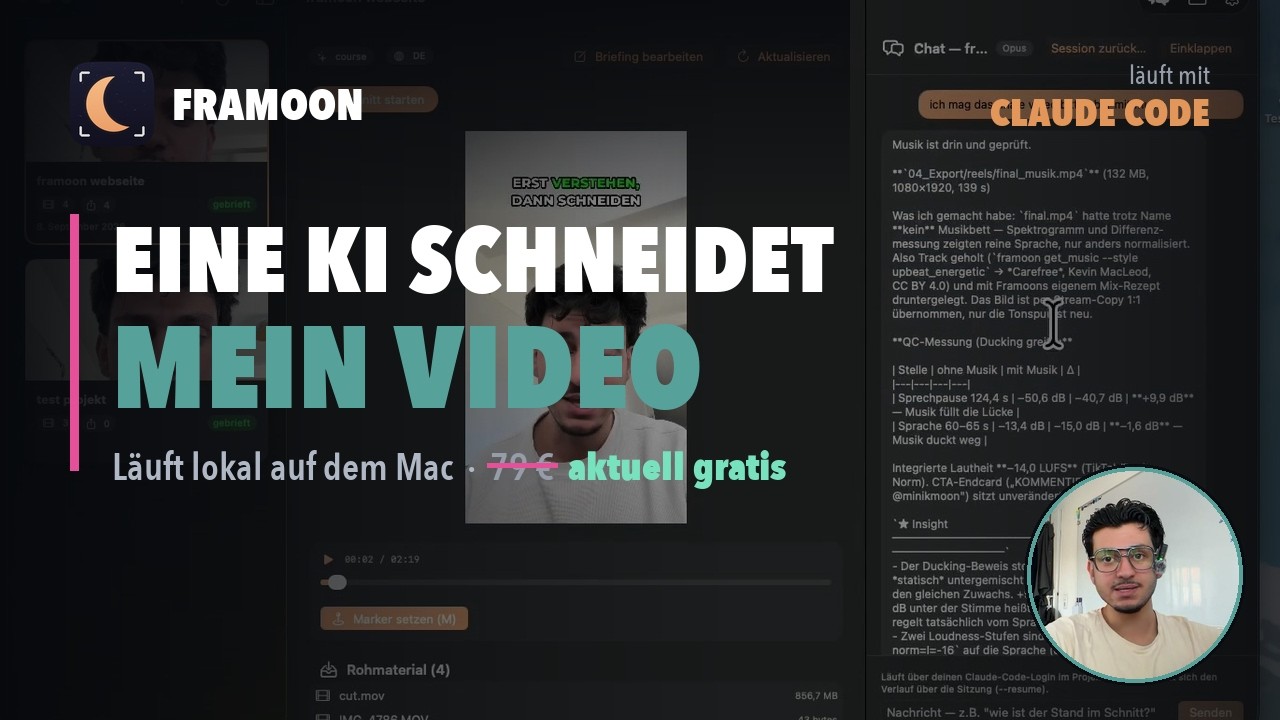
Erst wie Framoon denkt und sich selbst prüft — danach Schritt für Schritt die Bedienung. Auch dieses Video ist mit Framoon geschnitten.
First how Framoon thinks and checks its own work — then step by step how to use it. This video was cut with Framoon too.
Framoon V1 ausprobieren
Try Framoon V1
V1 ist fertig und läuft — sie wird gerade an einen kleinen Kreis vergeben, damit ich das Feedback auch wirklich verarbeiten kann. Du kannst sie direkt laden — oder mir kurz auf WhatsApp schreiben, dann bekommst du Zugang und Anleitung persönlich von mir.
V1 is finished and running — I'm handing it out to a small circle so I can actually act on the feedback. Download it directly — or send me a quick WhatsApp and you'll get access and the setup guide straight from me.
Lieber per Mail? info@minikmoon.com geht auch.
Prefer email? info@minikmoon.com works too.